

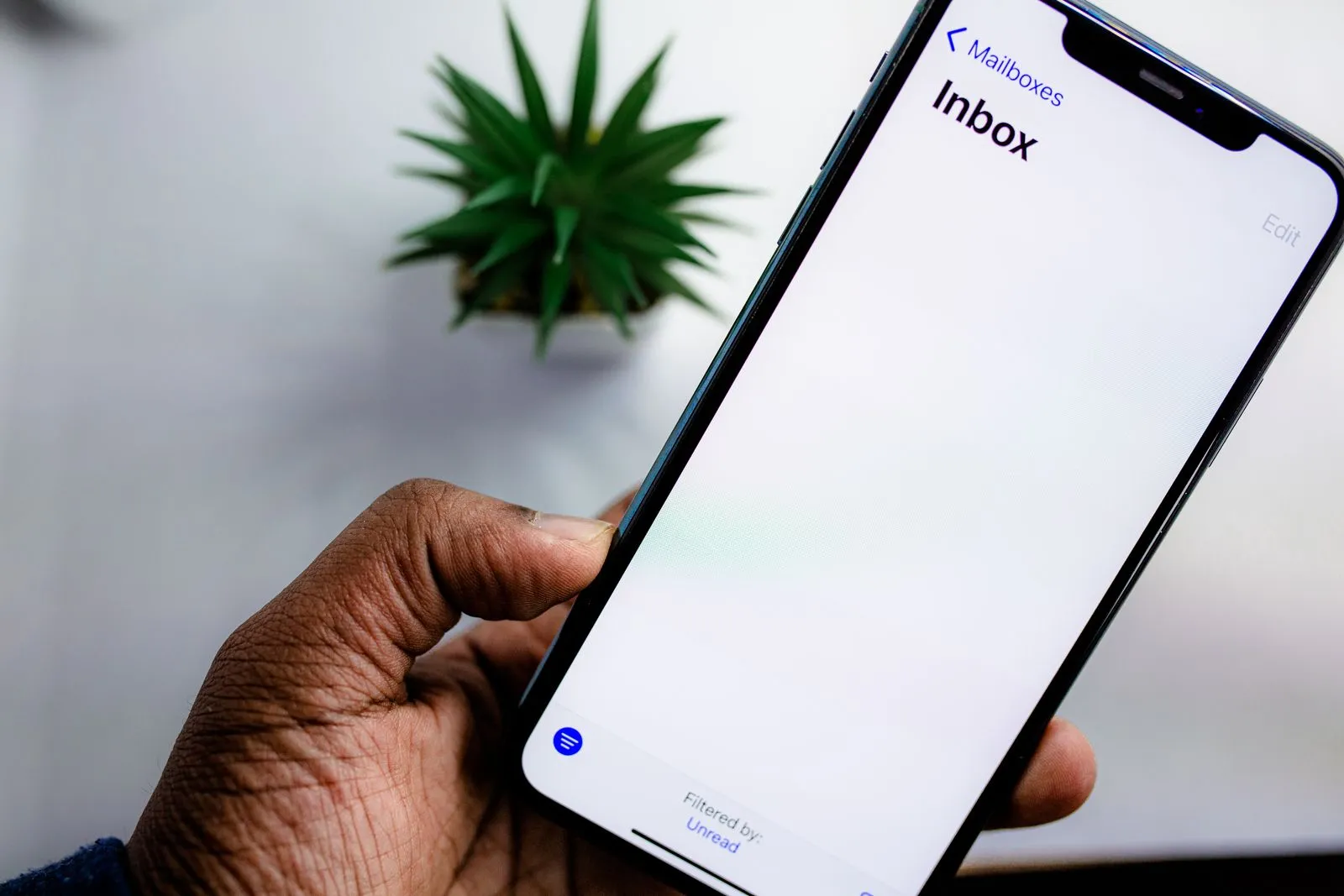
There are really only three email apps that matter in 2026, Gmail came with your Google account, Outlook came with Windows or your job, and Apple Mail was already on your iPhone. So the question isn’t which one exists — it’s which one deserves to be your default. This Gmail vs Outlook vs Apple Mail comparison answers that properly: real prices, real storage limits, and the trade-offs nobody mentions on the feature pages.
The short answer
Gmail is still the best all-rounder, Outlook is the best email app if you work in an office, and Apple Mail is the best choice if you live entirely inside Apple’s world and care about privacy. None of them is bad, but the wrong pick will annoy you every single day. Most people should just use Gmail. People who live in Microsoft 365 at work should use Outlook. Apple-only households should try Apple Mail before paying anyone.
Gmail vs Outlook vs Apple Mail at a glance
| Gmail | Outlook | Apple Mail | |
|---|---|---|---|
| Price | Free; Workspace from $7/user/mo | Free with ads; Microsoft 365 Personal $9.99/mo or $99.99/yr | Free on Apple devices; iCloud+ from $0.99/mo |
| Free storage | 15 GB shared with Drive and Photos | 15 GB mailbox + 5 GB OneDrive | 5 GB iCloud (shared with everything) |
| Platforms | Web, Android, iOS, macOS, Windows | Web, Windows, macOS, Android, iOS | macOS, iOS, iPadOS, watchOS + iCloud.com webmail |
| Search | Best in class — Google operators | Very good, especially in the desktop app | Good on-device search, weaker for huge archives |
| Calendar | Google Calendar, solid | Best built-in calendar of the three | Apple Calendar, solid but basic |
| Ads | Promotions tab, no banner ads | Ads in the free inbox | None, ever |
| Attachment limit | 25 MB (larger via Drive links) | 20 MB on Outlook.com | Up to 5 GB via Mail Drop |
| Custom domain | Needs Workspace ($7+/user/mo) | Included with Microsoft 365 Personal | Included with iCloud+ ($0.99/mo) |
| Offline use | Yes, in Chrome | Full offline in the desktop app | Full offline on Mac and iPhone |
| AI features | Gemini (paid plans) | Copilot (paid plans) | Apple Intelligence (free, supported devices) |
Price and free storage: Gmail vs Outlook price
All three are free, and all three will eventually ask you for money — just at different moments. Gmail gives you 15 GB free, which is shared across Gmail, Google Drive, and Google Photos. The escape hatch is Google One: 100 GB for $1.99 a month, 200 GB for $2.99. A custom domain needs Google Workspace, from $7 per user per month.
Outlook.com is also free, with a 15 GB mailbox and 5 GB of OneDrive — but the free version shows ads in your inbox, which Gmail doesn’t. Microsoft 365 Personal costs $9.99 a month or $99.99 a year, and buys you 1 TB of OneDrive, a 50 GB mailbox, the desktop Outlook app, and an ad-free inbox. Family is $129.99 a year for up to six people.
Apple Mail is the cheapest to live with — the app itself is free and has no paid tier. The catch is iCloud’s free 5 GB, which is genuinely stingy: it covers your mail, photos, and backups. iCloud+ starts at $0.99 a month for 50 GB ($2.99 for 200 GB, $9.99 for 2 TB), and it’s also the cheapest route to a custom domain — $0.99 a month, where Google charges $7 and Microsoft $9.99.
Finding anything: search and organization
This is where Gmail earns its keep. Its search is Google search, shrunk down to your inbox: type from:amazon has:attachment larger:10M and it finds the message in a second. Labels instead of folders take a week to get used to, then you never want to go back. The spam filter is the best of the three by a clear margin — Google says it blocks more than 99.9% of spam.
Outlook’s search is very good, especially in the desktop app, and its organization tools are arguably better for people drowning in email. Focused Inbox splits the important stuff from the noise, Sweep clears every email from a sender in one click, and rules are more powerful than Gmail’s filters. If your inbox holds thousands of unread messages, Outlook’s triage tools save more time than Gmail’s search does.
Apple Mail’s search is fast because it runs on your device, but it struggles with very large archives and its filtering is the weakest of the three. What it does well is stay out of your way: VIP senders, simple rules, a clean list with no tabs and no clutter. If your inbox is mostly people you know, that’s enough. If it’s a firehose, it isn’t.
Outlook vs Gmail for work
For work, the answer depends on where your work already lives. If your company runs on Microsoft 365 — and most mid-size and large companies do — Outlook isn’t just the better choice, it’s barely a choice. Shared calendars, meeting rooms, Teams integration, and Exchange are built in, not bolted on. The desktop app remains the most powerful email client on Windows, and it works properly offline on planes and in dead zones.
Gmail’s case for work is Google Workspace, and it’s a strong one for small teams: $7 per user per month, simpler admin controls than Microsoft’s, and everything in the browser — nothing to install, nothing to break. Shared drives, Docs, and Meet are genuinely pleasant together. The catch is no real offline mode outside Chrome, and heavy Outlook users will miss Focused Inbox and Sweep.
Apple Mail at work is the odd one out. It handles Exchange and Gmail accounts fine, and plenty of people use it on a Mac. But there’s no admin panel, no shared mailbox tooling, no enterprise story at all — a personal email app that tolerates work, not a work email app.
Privacy and security
This is the one category with a clear winner: Apple Mail. No ads, no tracking pixels loaded by default (Mail Privacy Protection), and Hide My Email (included with iCloud+) hands out a random forwarding address instead of your real one. Most smart features run on your device, not in the cloud — Apple is the only one of the three whose business doesn’t depend on advertising.
That said, Gmail and Outlook are far better than their reputations here. Google stopped scanning Gmail content for ads years ago, and both offer passkeys, two-factor authentication, and confidential mode (Gmail) or encrypted messages (Outlook). Turn on two-factor authentication wherever your mail lives, and use a password manager — our Bitwarden vs 1Password vs Dashlane comparison breaks down the options. One honest caveat: Gmail’s spam filter catches more phishing than the other two, and that’s a security feature in its own right.
The AI question
All three now come with an AI assistant, and all three charge for the good version. Gmail’s Gemini summarizes threads and drafts replies, but the full version needs Google AI Pro ($19.99 a month) or a Workspace plan. Outlook’s Copilot does similar tricks for $20 a month as Copilot Pro. Apple Intelligence is the outlier: writing tools, summaries, and smart replies are free on supported iPhones and Macs, running on-device.
None of these is a reason to switch email providers on its own — see our ChatGPT vs Claude vs Gemini breakdown for which assistant is actually best.
Pros and cons
Gmail
Pros: best search and spam filtering; works on every device; 15 GB free beats the other two; huge add-on ecosystem.
Cons: 15 GB is shared with Drive and Photos; no real desktop app; custom domains need a $7/month Workspace plan; offline only works in Chrome.
Outlook
Pros: best calendar and meeting tools; Focused Inbox and Sweep for heavy inboxes; the most powerful desktop email client; deep Microsoft 365 integration; 1 TB of OneDrive with the paid plan.
Cons: free version shows ads; busier interface than the other two; the “new” Outlook on Windows still misses classic features.
Apple Mail
Pros: no ads, ever; best privacy features; Hide My Email and custom domains from $0.99 a month; fully offline; free AI features on supported devices.
Cons: only makes sense on Apple devices; iCloud’s free 5 GB is too small; weakest search and filtering; no business tools.
Who should pick which
Pick Gmail if you want the email app that works everywhere, on every device you will ever own, with the best search and the best spam filter. It’s the default for a reason. If you’re not sure, start here.
Pick Outlook if your work runs on Microsoft 365, your inbox gets hundreds of emails a week, or you live in your calendar as much as your inbox. It’s also the right pick if you want the $99.99-a-year Microsoft 365 bundle anyway — at that point the email is basically free.
Pick Apple Mail if every screen you own is made by Apple and you care about privacy more than features. It’s the only one of the three with no ads and no incentive to track you, and at $0.99 a month for 50 GB of iCloud+, it’s the cheapest setup here.
Using more than one is fine too — Gmail for personal mail and Outlook for work is a common setup. The real mistake is staying with an app that annoys you daily because you picked it five years ago. The ecosystem behind it matters as much as the app: our Google Drive vs Dropbox vs OneDrive guide covers the storage side, and our Zoom vs Google Meet vs Microsoft Teams comparison covers the rest of the ecosystem you’ll live in.
Frequently asked questions
Is Gmail better than Outlook?
For most people, yes — Gmail’s search, spam filtering, and free 15 GB make it the better all-rounder. But Outlook is better for work if your company uses Microsoft 365, thanks to its calendar, Focused Inbox, and desktop app.
Which email app is best for privacy?
Apple Mail, by a clear margin. No ads, tracking pixels blocked by default, and Hide My Email included with iCloud+. Gmail and Outlook offer strong security features like passkeys and two-factor authentication, but their business models are built on cloud services and advertising, not privacy.
Can I use Apple Mail on Windows or Android?
Not as an app — Apple Mail only runs on macOS, iOS, iPadOS, and watchOS. You can check iCloud mail from any browser at iCloud.com, or use your iCloud address inside Gmail or Outlook. If you switch away from Apple devices, your @icloud.com address still works — the app just doesn’t follow you.
Is Outlook really free?
Yes, with a 15 GB mailbox — but it shows ads and doesn’t include the desktop app. Microsoft 365 Personal ($9.99 a month or $99.99 a year) removes the ads, raises your mailbox to 50 GB, adds 1 TB of OneDrive, and includes the full desktop app.
The bottom line
There is no wrong answer here, only a wrong answer for you. Gmail is the safest default, Outlook is the best tool for serious work email, and Apple Mail is the best choice for privacy-minded Apple users. Pick the one that matches your devices and how you actually use email — switching takes ten minutes if it starts annoying you.
[…] integration is worth more than any benchmark score. That integration reaches email too — see our Gmail vs Outlook vs Apple Mail comparison for how Gemini in Gmail stacks up against Copilot and Apple […]