

Let me save you some money: you probably don’t need to pay for a video editor. DaVinci Resolve‘s free version is so good it’s almost suspicious. CapCut is free and shockingly capable. For casual YouTube videos, TikToks, or family vacation montages, free tools have never been better. And if the footage you’re cutting is a screen recording, our guide to the best free screen recording software in 2026 covers the free tools that can capture it first.
But “probably” isn’t “definitely.” There are real reasons to pay — and real traps where you’ll pay for things you don’t need. Here’s the honest breakdown of the paid editors that are actually worth it, who each one is for, and which ones you should skip.
DaVinci Resolve Studio — The Best Value in Video, Period
Price: $295 one-time (yes, really — no subscription)
Here’s the thing: the free version of DaVinci Resolve already beats most paid editors. The Studio version adds GPU-accelerated effects, advanced noise reduction, stereoscopic 3D tools, and a few high-end color features. For most creators, the free version is enough — but if you hit its limits, $295 once for a professional Hollywood-grade editor is absurd value.
Worth it for: Serious creators, colorists, anyone tired of subscriptions. The color grading tools are the best in the business at any price. Skip it if: the free version already does everything you need (it probably does).
Adobe Premiere Pro — The Industry Standard (With Industry-Standard Pricing)
Price: ~$23/month (single app) or ~$60/month (full Creative Cloud)
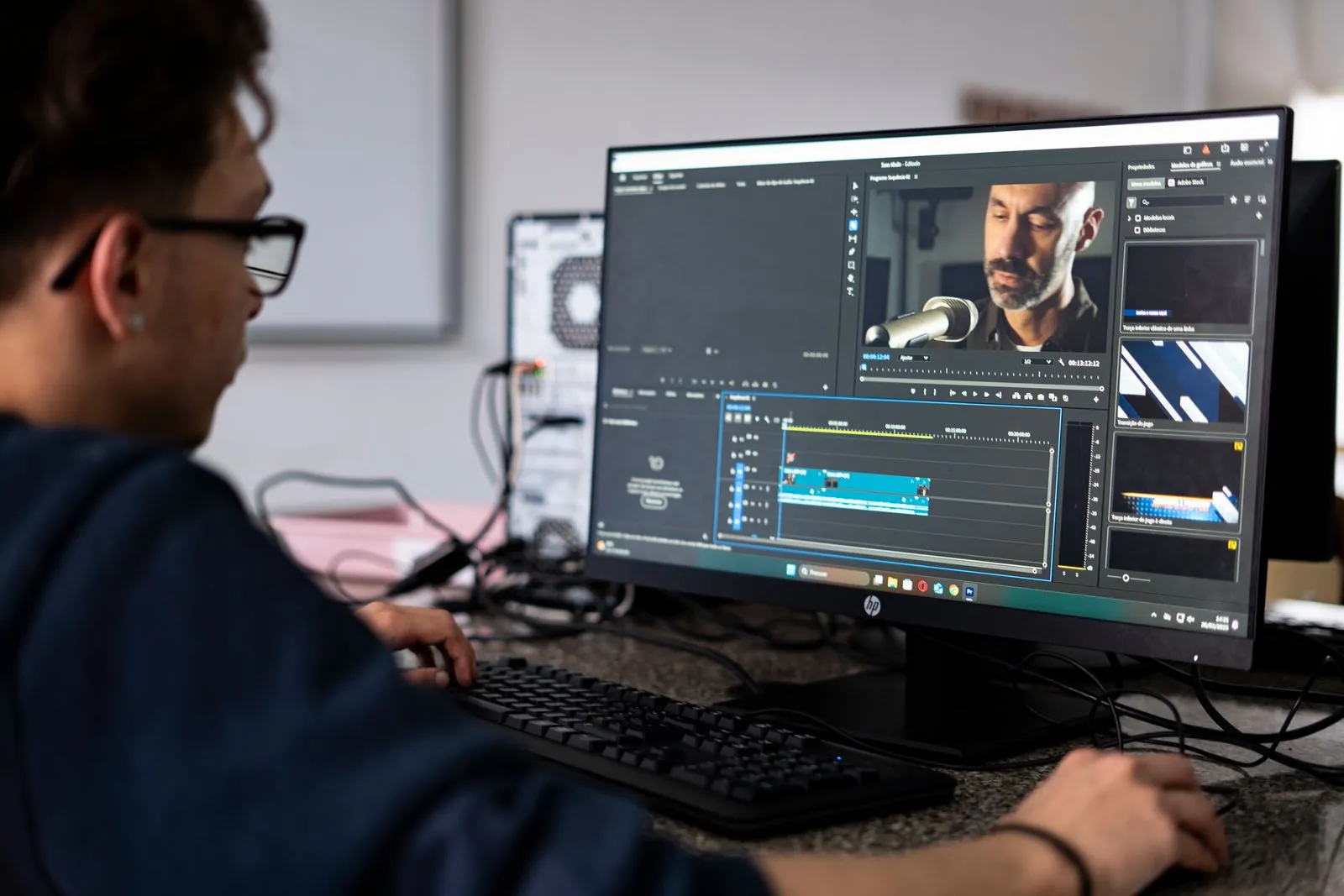
Premiere is what most professional editors and agencies use, which means tutorials, templates, plugins, and collaborators are everywhere. The integration with After Effects and Photoshop is unmatched if you’re in the Adobe ecosystem. It’s powerful, it’s flexible, and it’s the safe choice for client work.
But let’s be real: the subscription never ends. Five years of Premiere costs more than $1,300 — versus $295 once for Resolve Studio. And it can be buggy; every editor has a story about Premiere crashing before a deadline. Worth it for: Professionals who need Adobe integration or collaborate with Premiere-based teams. Skip it if: you’re a solo creator who just needs a great editor — Resolve does 95% of this for free.
Final Cut Pro — The Mac-Only Powerhouse
Price: $299.99 one-time (Mac only)
Final Cut is Apple’s pro editor, and it’s criminally underrated. The magnetic timeline sounds weird until you use it — then traditional timelines feel clunky. It’s blisteringly fast on Apple Silicon (it renders circles around Premiere on the same hardware), and the one-time price includes free updates.
The catch: Mac only, obviously. And while it’s professional-grade, Hollywood still largely runs on Avid and Premiere, so collaboration can be tricky. Worth it for: Mac users who edit regularly — especially on Apple Silicon. It’s the fastest, most pleasant editing experience on a Mac. Skip it if: you’re on Windows (it’s not an option) or you need cross-platform collaboration.
CapCut Pro — The Short-Form King
Price: ~$8–10/month
CapCut came from the TikTok world and it shows — in the best way. Auto-captions that are actually accurate, trending effects and templates updated constantly, background removal, and a mobile app that’s genuinely good (not a crippled companion app). For Reels, TikToks, and YouTube Shorts, nothing is faster.
The free version is already excellent, which makes Pro a harder sell — you’re paying mainly for cloud storage, premium effects, and removing the (small) watermark on some exports. Worth it for: Short-form creators posting daily. The speed of the workflow is the selling point. Skip it if: you make long-form content — the desktop app isn’t a full NLE replacement.
Filmora — The Beginner-Friendly Middle Ground
Price: ~$50/year or ~$80 lifetime
Filmora sits in the awkward middle: easier than Resolve or Premiere, more capable than CapCut’s desktop app. Drag-and-drop effects, a huge template library, and an interface your grandma could figure out. For beginners who find Resolve intimidating, it’s a gentle on-ramp.
But here’s my honest take: it’s a stepping stone you’ll outgrow. The effects library is nice until you want real control, and at that point you’re learning a second editor anyway. Worth it for: Absolute beginners who want to make decent videos this weekend without a learning curve. Skip it if: you’re willing to spend a weekend learning Resolve’s free version instead — you’ll end up in a better place.
What to Skip Entirely
A few honest warnings: don’t pay for “AI video editors” that promise to edit for you — they’re templates with marketing. Don’t buy Pinnacle or PowerDirector in 2026 unless you have a specific legacy reason; they’ve been lapped. And don’t pay for Premiere’s full Creative Cloud ($60/month) just for video — get the single-app plan unless you genuinely use Photoshop and After Effects weekly.
The Verdict
If I had to give one recommendation for each type of creator:
- Just starting out (free): DaVinci Resolve free or CapCut free. Don’t spend a dollar yet.
- Serious solo creator: DaVinci Resolve Studio ($295 once). Best value in the industry.
- Mac editor: Final Cut Pro ($300 once). Nothing is faster on Apple Silicon.
- Professional / agency: Premiere Pro ($23/month). The ecosystem tax is real but so is the compatibility.
- Short-form machine: CapCut Pro ($8–10/month). Speed wins.
The golden rule: master a free tool first. When you can articulate exactly which paid feature you need and why, that’s when you buy. Not before. Your wallet will thank you, and frankly, your videos will be better for it — because the editor was never the bottleneck. You were.
(Okay, that last line was harsh. But you know it’s true.)
[…] and the free plan is genuinely enough. If you want to polish the recording further, our roundup of the video editing tools actually worth paying for covers the next […]