

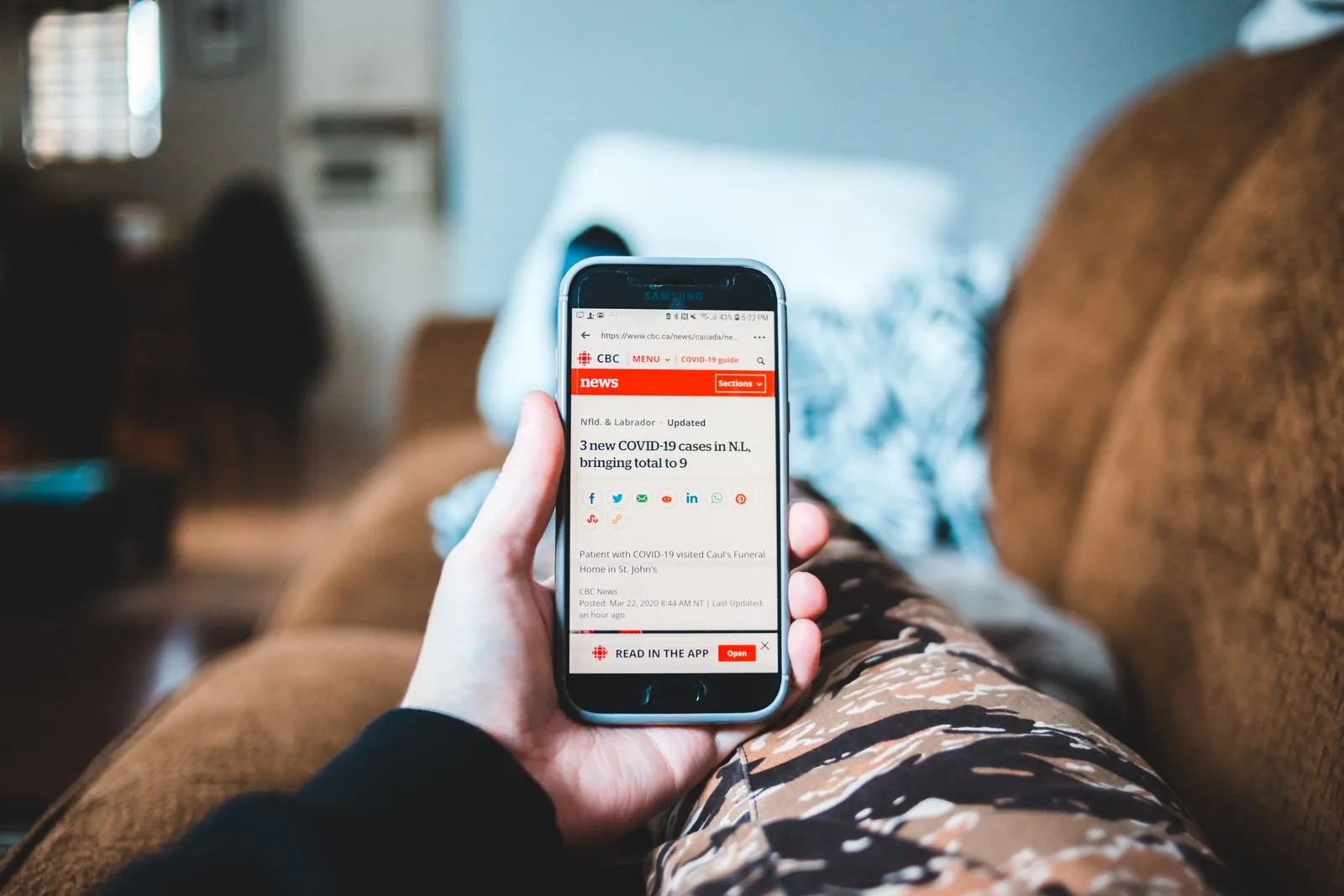
If you own a Galaxy phone, there is a built-in app quietly counting down its last weeks — and most people I know have never deliberately opened it. Samsung is shutting down Samsung News on December 21, 2026, at 00:00 UTC. The app, its widget, and the news feed on the leftmost panel of your home screen all go dark on the same day.
The news itself broke on October 29, when SamMobile spotted a discontinuation notice inside the app. But searches for the shutdown have spiked again in the US this morning, which tells me a lot of Galaxy owners are only now finding out — probably because the notice hasn’t actually appeared on their phones yet. Here’s the part that matters: the warning has, so far, only been reported in India and South Korea. Samsung hasn’t published a list of countries, and outlets covering the story consider a wider shutdown likely. So “I haven’t seen the notice” is not the same as “I’m safe.”
What exactly is shutting down on December 21
Samsung News is the news feed built into Galaxy phones and tablets. Depending on how your phone is set up, you might meet it in three places: the standalone app, a home screen widget, and the dedicated media page that lives on the leftmost panel of your home screen — the panel you reach by swiping right from your first home screen.
All three go. Samsung’s in-app notice, quoted by SamMobile and PhoneArena, says the service “will be discontinued as of December 21, 2026, 00:00 (UTC)” and that “the Samsung News widget will no longer receive content updates.” Samsung’s own advice is blunt: remove the widget from your home screen once it stops updating.
What you actually lose is the curated feed itself: the morning and evening briefings, sports scores, stock updates, and the daily trivia questions the app bundled in. If Samsung News is the thing you swipe to while your coffee brews, that habit ends on December 21 whether you use the app, the widget, or the home screen panel.
Your data goes with it — and there’s no export button
This is the part worth acting on before December, not after. Samsung says that following the shutdown, all user data, profiles, and personalization information tied to Samsung News will be deleted — with the usual exception where local law requires data to be kept for a set period, after which that goes too.
Let me be honest about what that means in practice. Your Samsung account itself isn’t being deleted, and neither is anything stored elsewhere on your phone. What disappears is the stuff that made Samsung News yours: your followed topics, your sources, your personalization settings. And as far as the notice and the reporting so far show, there is no export tool for any of it. You can’t download your followed topics or carry your feed setup to another app.
So if you have a carefully tuned feed — say, a mix of tech news, your football club, and a couple of stock tickers — take five minutes now and screenshot it, or just write the list down. It’s a small, slightly annoying chore, and it’s the only way that setup survives December 21. I’ve done this dance with enough dying apps to know the regret always arrives about a week after the shutdown, when you try to rebuild a feed from memory and realize you can’t remember half the sources you followed.
Why is Samsung killing it? It hasn’t said
Samsung gave no reason in the notice, and that’s fairly typical for this kind of shutdown message — polite, formal, and completely silent on the why. Android Headlines suggests it’s part of Samsung streamlining its software by dropping redundant services, which honestly fits. Samsung News has always overlapped heavily with Google Discover, which is already an option for that same leftmost home screen panel on Galaxy phones. When two feeds do the same job and one of them is made by the company that also makes the operating system, the outcome was never really in doubt.
There’s also a pattern here that long-time Galaxy owners will recognize. Samsung News is the fourth feed to occupy that leftmost home screen slot since 2017. Bixby Home launched in April 2017, became Samsung Daily in October 2019, which became Samsung Free in late 2020, which became Samsung News in 2023. Every single one eventually got replaced. Samsung News lasted about three years and eight months — longer than its predecessors, but the slot itself has never been permanent. If you’re setting up a replacement, pick one that isn’t tied to a single phone maker. That’s the actual lesson of this shutdown.
What to do before December 21
Here’s the checklist, in order of how much it actually matters:
1. Check whether the notice has reached your phone
Open Samsung News and look for the banner. No banner doesn’t mean you’re excluded — it may just mean the notice hasn’t rolled out to your device or region yet. Given that US searches for the shutdown are spiking right now, I’d expect more regions to see it soon. Check again in a week or two if you don’t see it today.
2. Save your feed setup now
Screenshot your followed topics and sources, or note them down. There is no export tool, and everything personalization-related gets deleted after the shutdown. This is the one step you can’t do retroactively.
3. Switch your leftmost panel to Google Discover today
You don’t have to wait until December. On most Galaxy phones you can already choose Google Discover for that leftmost panel, and Android Authority expects the panel to fall back to Discover once Samsung News goes dark anyway. Switching now means one less dead feed to deal with in December, and Discover’s recommendations will have a few weeks to learn what you actually read before the old feed disappears.
4. Pick a dedicated news app if you want more control
If Discover’s algorithm-driven feed isn’t your thing, this is a good moment to try Google News, which lets you follow specific topics and publications more deliberately, or Flipboard, which is built around magazines you curate yourself. Both are free, both work on any Android phone, and neither one lives or dies on Samsung’s roadmap. That’s the point: your next news feed shouldn’t be another pre-installed app that can vanish with a notice.
5. After December 21, remove the widget
Samsung recommends this itself. A dead widget sitting on your home screen showing stale headlines is worse than no widget — it’s the kind of thing you’ll glance at, trust for half a second, and then realize the “news” is from December. Delete it and be done.
Should you be worried?
Honestly? No — as long as you do the two-minute version of the checklist above. This isn’t a security incident or a data breach; nothing is being stolen, and your Samsung account and everything else on your phone are unaffected. It’s a service shutdown, and the only real cost is the inconvenience of rebuilding a feed you probably didn’t think much about until now.
The bigger story is what it says about pre-installed apps. Samsung News was never something most Galaxy owners chose — it came with the phone, sat in a prime home screen slot, and quietly became part of people’s routines. Its shutdown is a useful reminder to build your daily habits around services you picked yourself, on purpose, rather than whatever shipped in the box. The feed that survives is the one you can take with you to your next phone, whatever brand it is.
So check the app, screenshot your topics, and switch your panel to Discover this weekend. December 21 will arrive whether you prepare or not — but it only disrupts your morning routine if you let it.